Companion app
The Formify App
Your Formify kit gives you the equipment. The Formify app gives you workouts to use it with: browse the workout library, check which equipment a workout needs, then follow the exercise demonstrations at home.

Companion app
Your Formify kit gives you the equipment. The Formify app gives you workouts to use it with: browse the workout library, check which equipment a workout needs, then follow the exercise demonstrations at home.
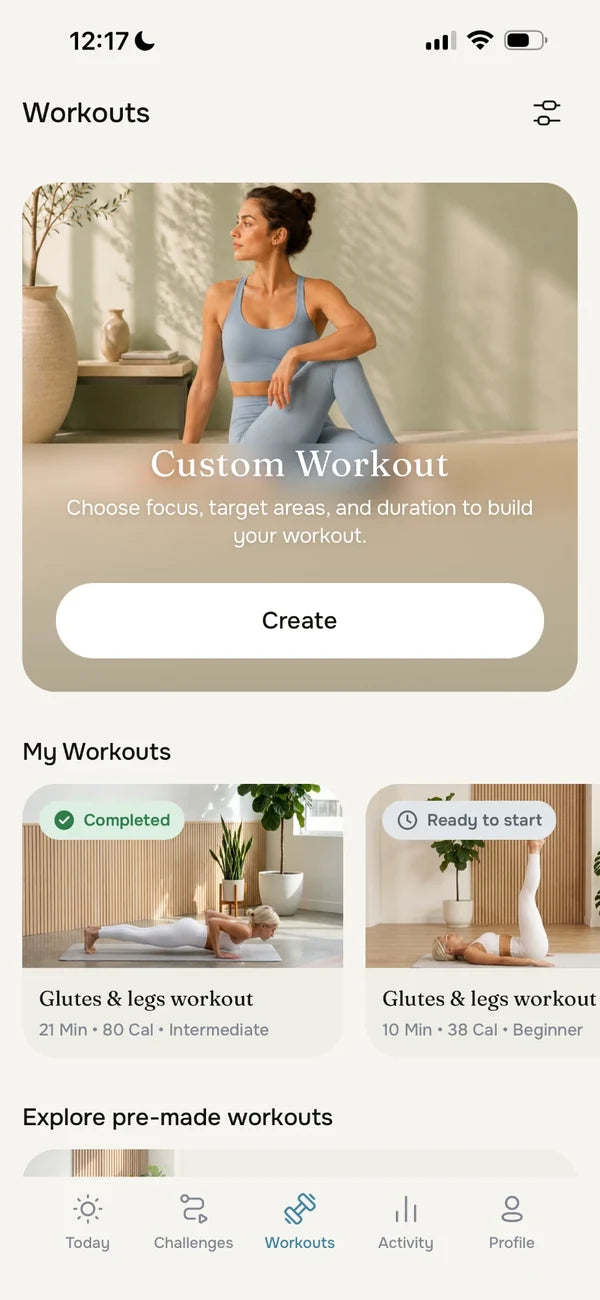
Browse the workouts in the app, or build your own with Custom Workout.
Open a workout to see the equipment it needs, so you know what to set out before you start.
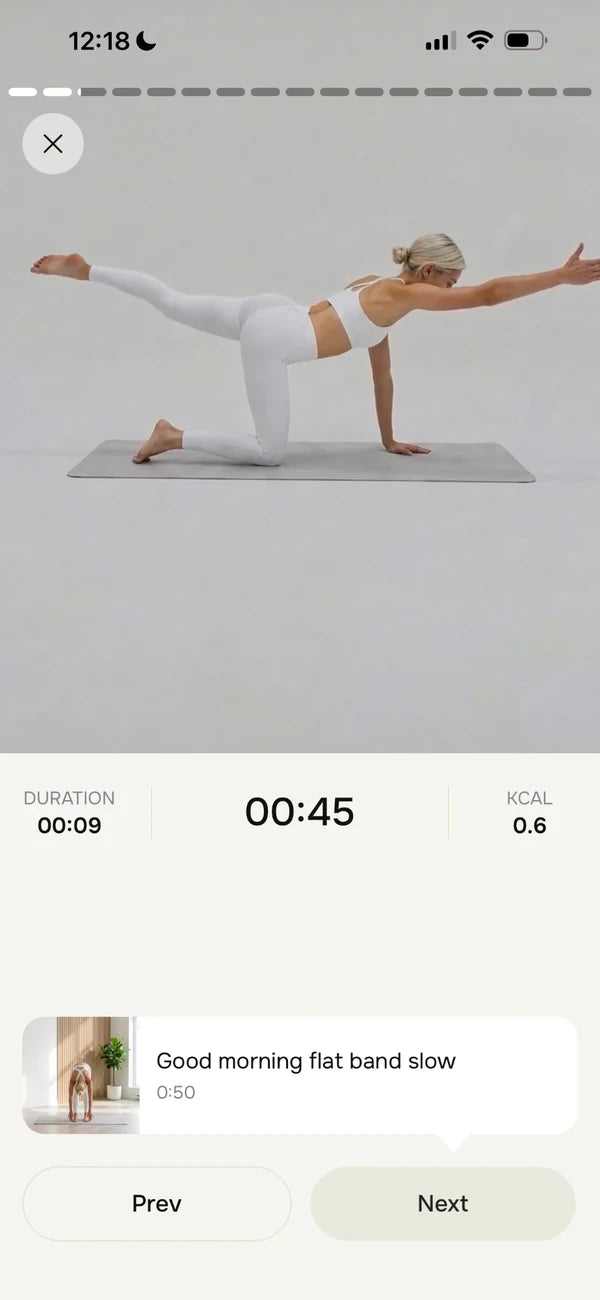
Follow the exercise demonstrations at home, at your own pace.
A closer look at four of the app's screens.
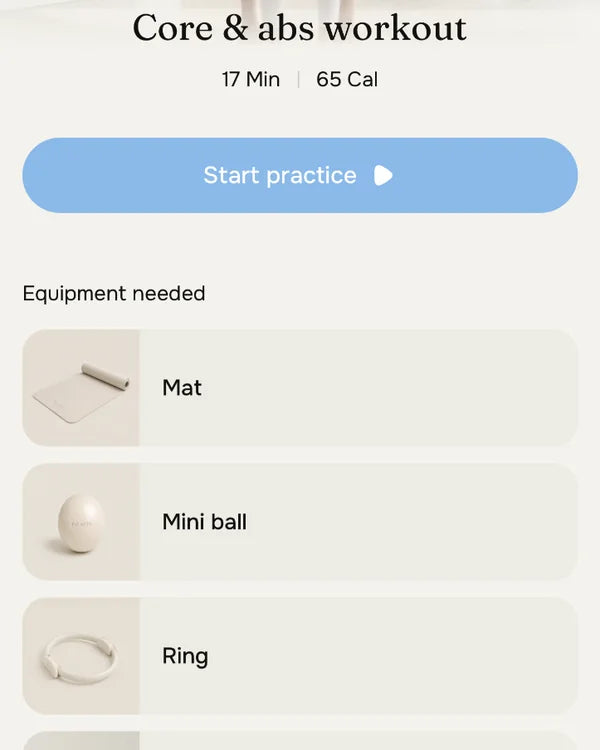
Ready-made sessions with their length shown up front. Open one to see the equipment it needs.
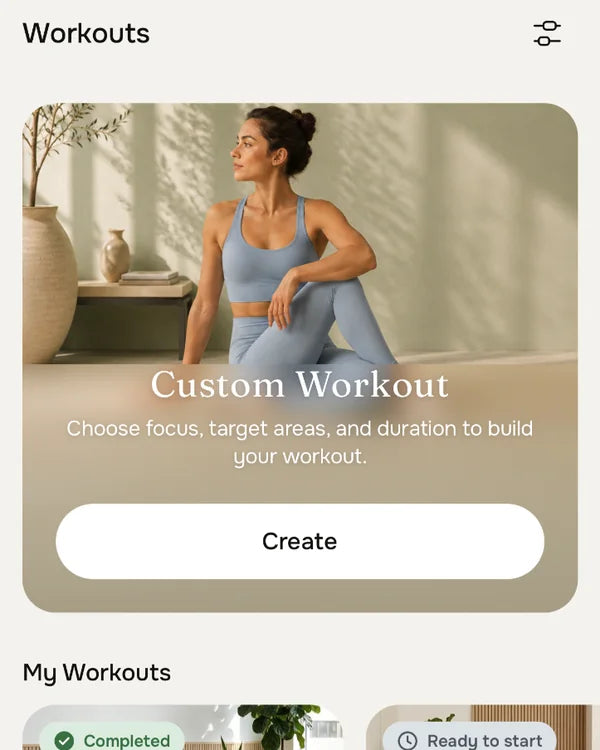
Build your own session by choosing a focus, target areas and duration.
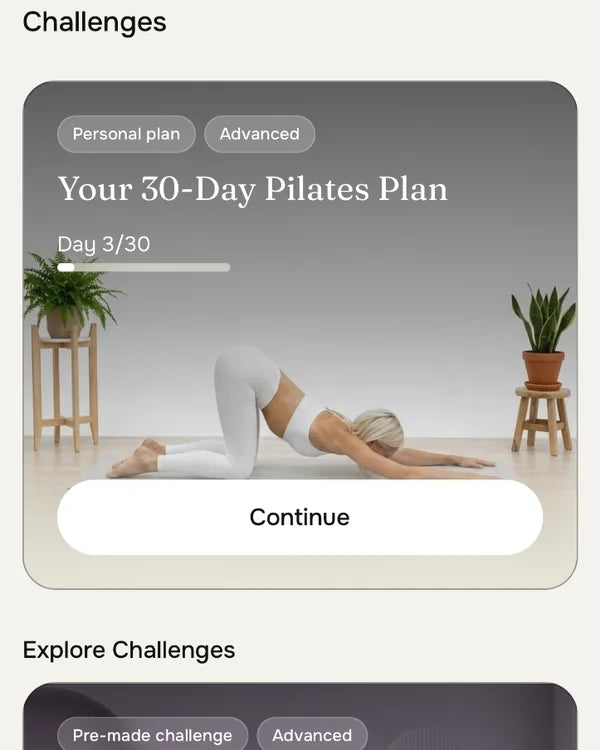
Follow a multi-day plan, such as the 30-day Pilates plan, or explore pre-made challenges.
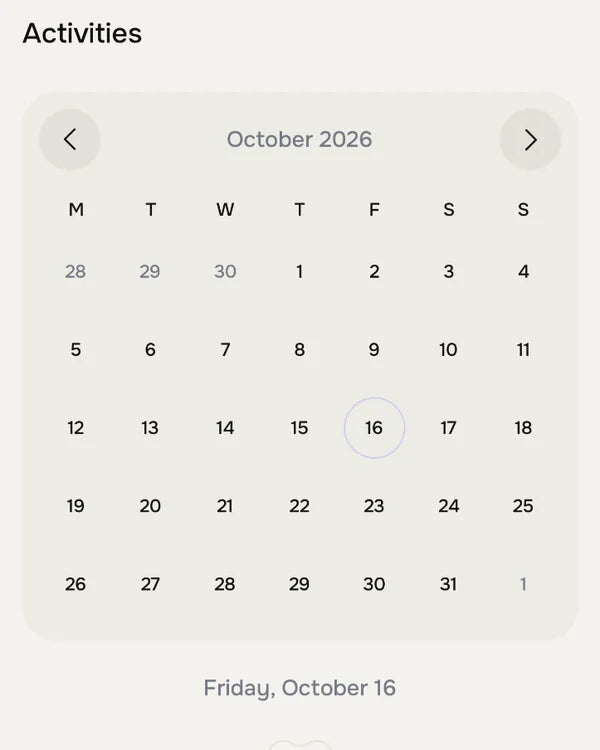
See your activity on a calendar, day by day.
Choose the Formify kit that suits your space, then check each workout's equipment list in the app before you start.
Browse workouts, check the equipment and follow the demonstrations on your phone.


Apple and the Apple logo are trademarks of Apple Inc., registered in the U.S. and other countries. App Store is a service mark of Apple Inc. Google Play and the Google Play logo are trademarks of Google LLC.